
This tool helps you explore and communicate your environmental DNA (eDNA) results through an interactive taxonomy tree.
Upload a CSV file containing the taxonomic results from your eDNA analysis to visualise the organisms and taxonomic groups represented in your dataset. Explore different taxonomic levels, filter results, and view reference images and common names where available.
Upload a CSV file containing the taxonomic results from your eDNA metabarcoding analysis. The tool reads the taxonomic information already present in your dataset and uses it to build an interactive taxonomy tree.
An example CSV format is provided.
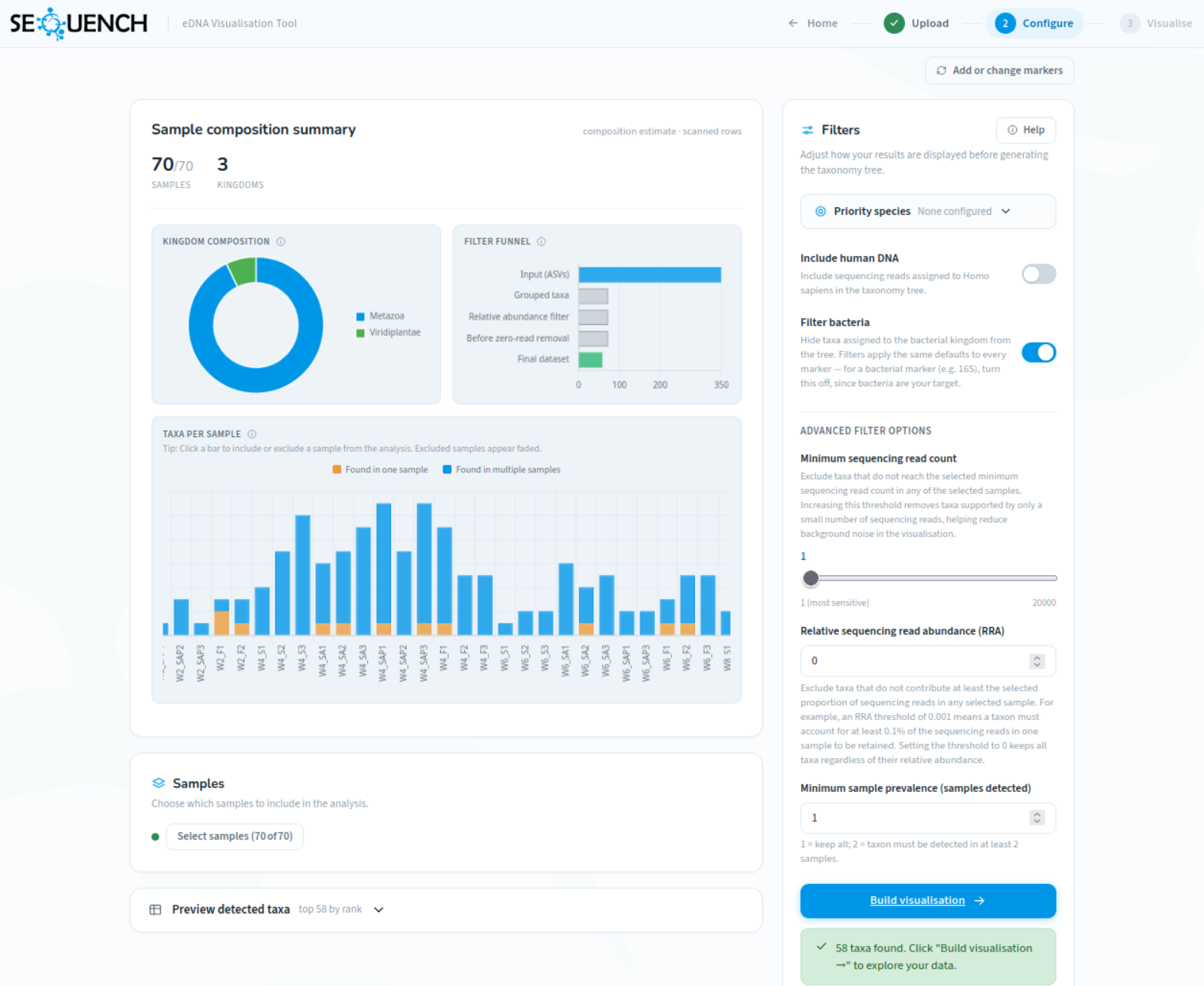
Customise how your results are displayed. You can focus on specific taxa, remove groups you do not want to display, filter results using sequencing read counts or relative abundance values, and choose the lowest taxonomic level shown in the tree.
These settings change how your results are displayed but do not modify the original eDNA analysis.
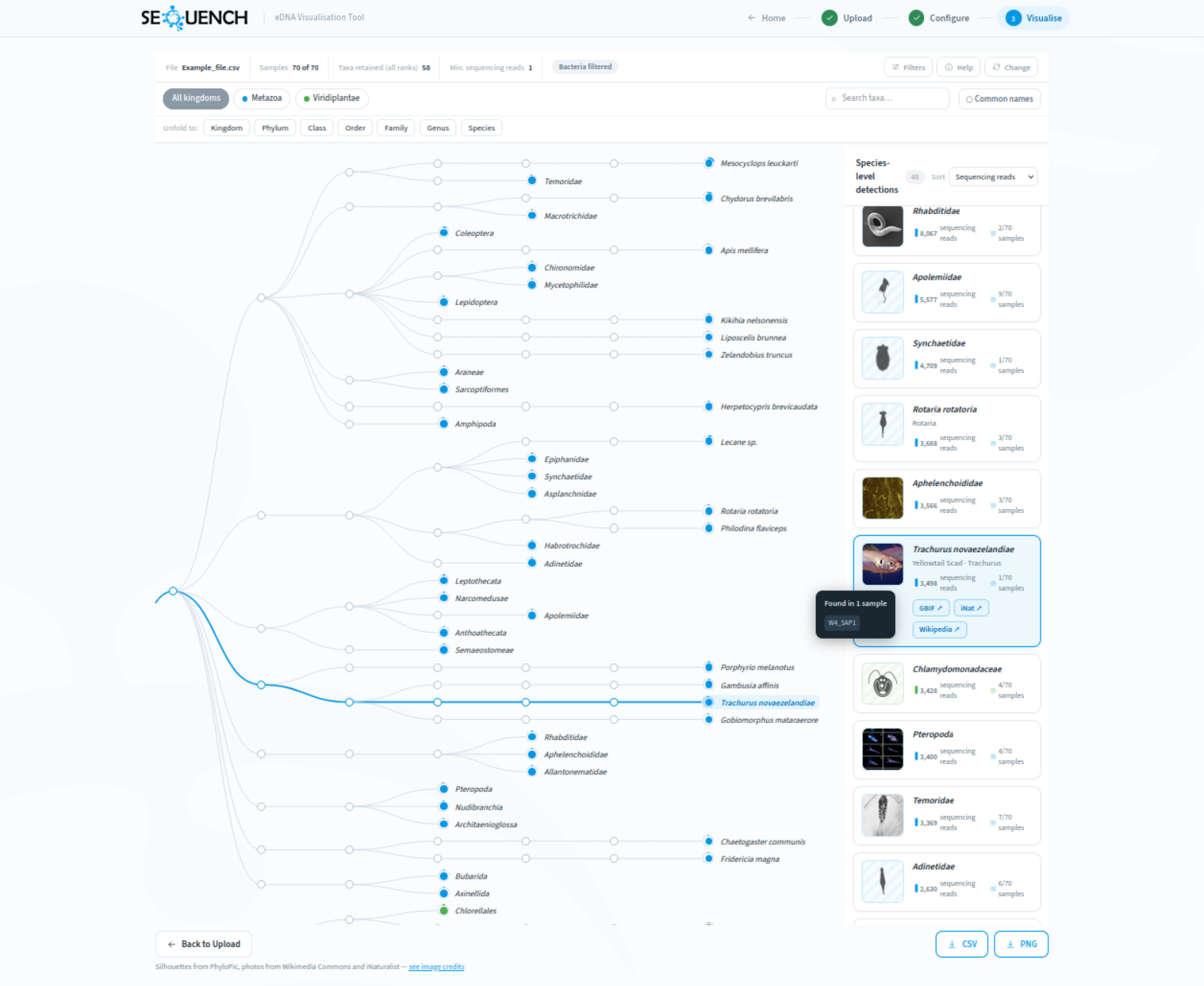
Explore the taxonomic groups represented in your eDNA dataset through an interactive tree.
Move between broad groups and more specific classifications, and view reference images and common names where available.
This tool visualises the taxonomic information generated by your eDNA analysis. It does not analyse raw DNA sequences, perform organism identification, confirm that an organism was present, or determine the ecological significance of a result.
The results shown depend on factors such as sample collection methods, laboratory procedures, sequencing methods, reference databases, and bioinformatic analysis.
A taxon shown in the tree means that DNA sequences from your dataset were assigned to that group during analysis. Interpretation of eDNA results requires consideration of sampling design, environmental context, and appropriate scientific validation.
Your uploaded CSV file is stored temporarily on a private server and linked only to your current browser session. Your data is used only to generate the visualisation. It is not published, shared, or used for other purposes.
Session data is removed when you reset the tool or begin a new upload.
Reference images and common names are obtained from external biodiversity databases, including Wikipedia, iNaturalist, and PhyloPic.
Only the taxon name (for example, a species or genus name) is used to retrieve this information. Your sample information, sequencing read counts, and uploaded file contents are not shared with these services.
This tool presents the taxonomic information already contained in your uploaded file in an interactive format. It helps users explore patterns and relationships within their dataset but does not independently verify results or provide biological interpretation.
Understanding eDNA results requires consideration of the original analysis, sampling design, and ecological context.